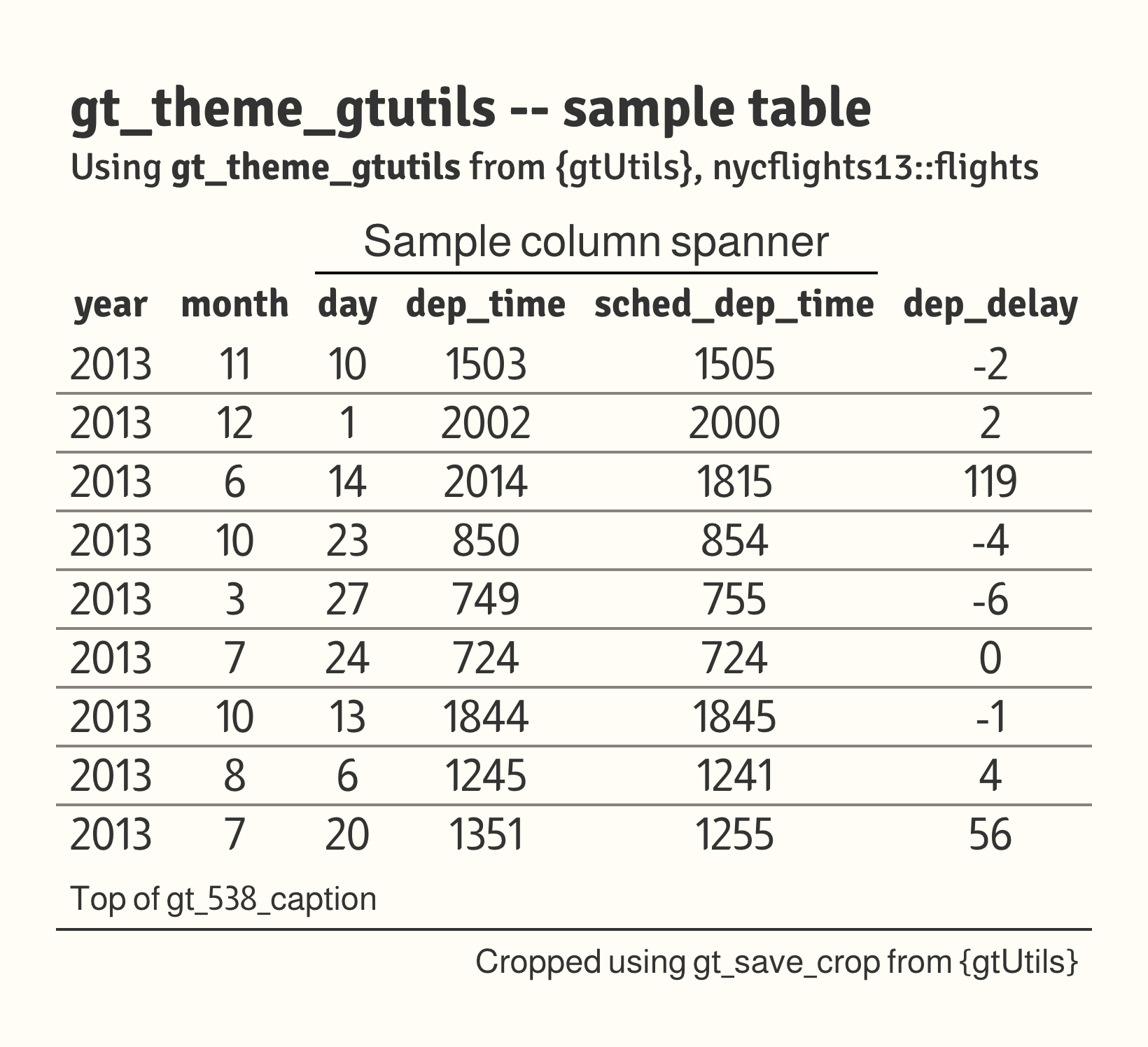
The package's house theme. A warm cream background, an Almarai body, Signika Negative titles, column labels and row groups, hairline separators between rows, and gray row-group bands carrying cream labels. All columns are centered.
Usage
gt_theme_gtutils(
  gt_object,
  density = c("comfortable", "compact", "social"),
  ...
)
Arguments
- gt_object
A
gttable object to modify.- density
Character. The type and padding scale. One of
"comfortable","compact", or"social". See Density. Defaults to"comfortable".- ...
Additional arguments passed to
gt::tab_options, applied last so they override anything the theme sets.
Details
The row separators are a single bottom border in gray (#8A817C) applied to
every body row except the last, so the table closes on the background rather
than a rule. The background is a warm cream (#FFFDF5), and horizontal rules
are otherwise set transparent. A table id is resolved (or generated) up front
so the gt::opt_css() block can pin the closing row border and heading
padding to this table alone.
density rescales the finished table, since this theme sets its sizes
directly rather than deriving them from a scale.
Density
density scales the theme's type and row padding together. "comfortable"
leaves every size as the theme sets it, "compact" scales both down, and
"social" scales both up, to the scale gt_save_crop() and
gt_social_crop() export at.