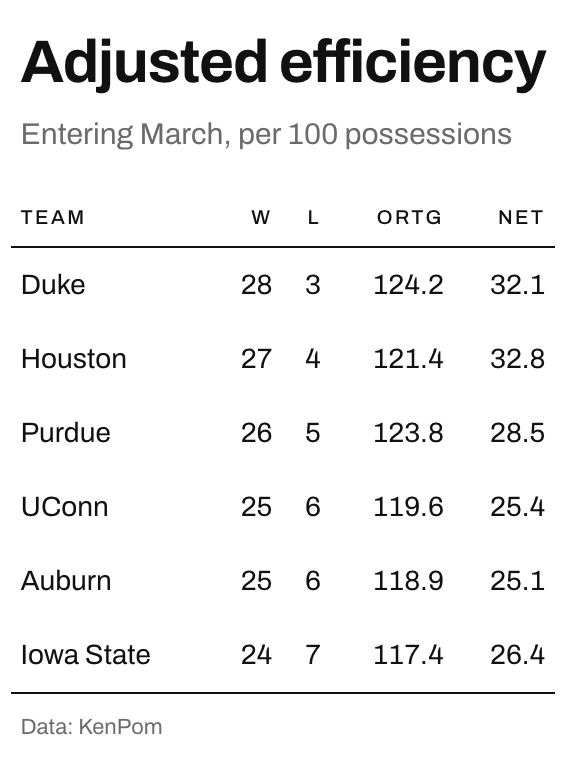
Builds the table on whitespace. There are no fills, no banding, and exactly two rules in the whole table, one under the column labels and one closing the body. Everything else is done with space and alignment.
Usage
gt_theme_swiss(
  gt_object,
  accent = "#111111",
  density = c("comfortable", "social", "compact"),
  ...
)
Arguments
- gt_object
A
gttable object to modify.- accent
Character. A hex color, used once, on the rule beneath the column labels. Defaults to
"#111111", which reads as no color at all.- density
Character. The type and padding scale. One of
"comfortable","compact", or"social". See Density. Defaults to"comfortable".- ...
Additional arguments passed to
gt::tab_options, applied last so they override anything the theme sets.
Density
density sets the type and padding scale together. "comfortable" uses a
14px body with roomy rows, "compact" a 12px body with tight rows, and
"social" a 17px body with generous rows and a larger title, at the scale
gt_save_crop() and gt_social_crop() export at.